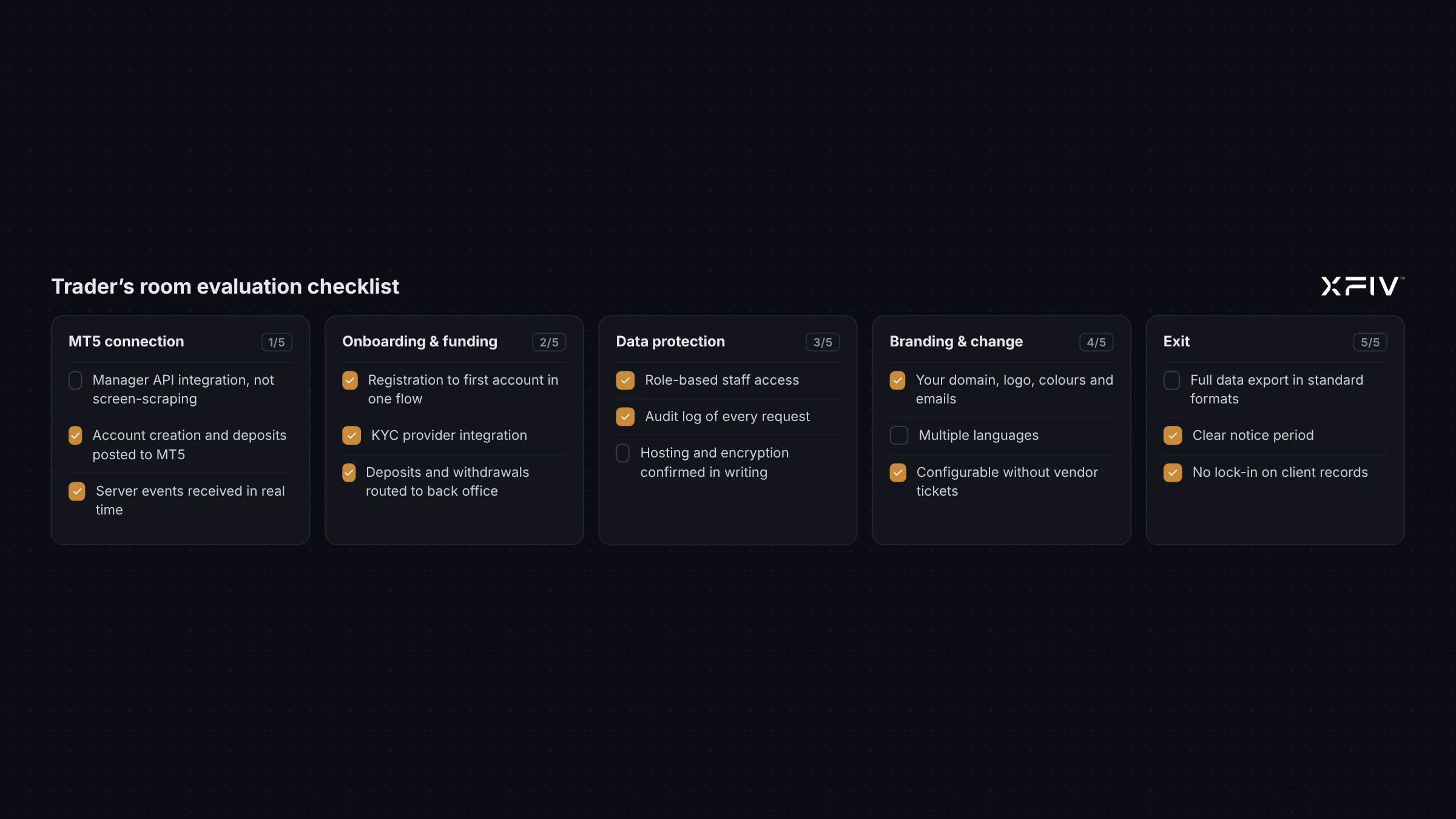
Before you start
A trader’s room, also called a client area or client portal, is where clients register, verify, open MT5 accounts, fund them and see their history. It is the part of your brokerage clients see most outside the terminal. Replacing it later is disruptive, so it pays to evaluate carefully.
Before you contact vendors, agree internally on three things:
- Who will use it: which client types, regions and languages.
- What it must connect to: MT5 servers, CRM, payment providers, verification providers.
- Who owns it after launch: which team configures, supports and pays for it.
Then score each vendor on the sections below. A simple 0 to 2 scale (missing, partial, complete) is enough to compare options side by side.
1. MT5 integration
- How does it connect to your MT5 server, and which MT5 builds are supported?
- Can it create live and demo accounts in the right groups automatically?
- How are balance operations posted, and how are duplicates prevented?
- Are balances, positions and history shown in near real time?
- What happens in the client area when the MT5 server is unreachable?
- Does it support several MT5 servers or brands if you need them?
2. Registration and onboarding
- How many steps from sign-up to first funded account?
- Can you change the forms and questions per region without code?
- Which identity verification providers are supported, and can staff review documents manually?
- Is verification status clear to the client at every step?
- Can you test the full flow with test accounts before launch?
3. Funding and payments
- Which payment providers are integrated, and how is a new one added?
- How are deposits confirmed and posted to MT5?
- How are withdrawal requests approved, and by whom?
- Can clients transfer between their own accounts?
- Is every funding action written to an audit log?
4. Client experience
- Does it work well on a phone?
- Which languages are available, and who maintains translations?
- Can clients download statements and trade history?
- Is there a clear path to a web terminal or the MT5 apps?
- How do clients get help: messaging, tickets, chat or an AI assistant?
- If there is an AI assistant, what can it read, and how does it hand off to staff?
5. Branding and control
- Can you use your own domain, logo, colours and email templates?
- Is the vendor’s name visible anywhere to clients?
- Can you change content, terms and disclosures yourself?
- Is there a staff role model, and can you limit who sees what?
6. Security and data
- Where is the system hosted, and in which regions is data stored?
- Is data encrypted in transit and at rest?
- How often are backups taken, and has a restore been tested?
- Is two-factor authentication available for clients and required for staff?
- Are staff and system actions recorded in an audit log you can search?
- How are security issues reported and fixed?
Ask for documents, not only answers. A vendor should be able to describe its security practices in writing.
7. Integrations and data access
- Is there an API for your own systems to read and write client data?
- Are webhooks available for events such as registration, verification and deposits?
- Is there a sandbox for your developers?
- Can it connect to your existing CRM, or does it require its own?
8. Operations, support and exit
- What support hours and channels are included?
- How are updates released, and how much notice do you get?
- What does pricing depend on: accounts, active clients, modules or a flat fee?
- Can you export all client data in a usable format if you leave?
- What is the notice period, and who owns the data?
Scoring table
Copy this table into a spreadsheet and fill in one column per vendor. Weight the areas that matter most to your business.
| Area | Weight | Vendor A (0–2) | Vendor B (0–2) | Notes |
|---|---|---|---|---|
| MT5 integration | High | |||
| Registration and onboarding | High | |||
| Funding and payments | High | |||
| Client experience | Medium | |||
| Branding and control | Medium | |||
| Security and data | High | |||
| Integrations and data access | Medium | |||
| Operations, support and exit | Medium |
Red flags
- No test environment before going live.
- No clear answer on how MT5 errors are handled.
- No audit log, or one only the vendor can see.
- No data export, or export only on request at extra cost.
- Vague answers on hosting, encryption or backups.
Run a pilot before you commit
- Connect the client area to a demo or test MT5 server.
- Walk through registration, verification, funding and withdrawal with test accounts.
- Have support staff handle a few test tickets end to end.
- Check the audit log for every action you took.
- Export the test data and confirm you can read it.
Where XFIV Portal fits
XFIV Portal is a white-label trader’s room for MT5 brokers with a built-in AI agent that hands off to staff. It offers a sandbox, audit logs and multiple languages, and MT5 compatibility is confirmed during onboarding. We suggest scoring it with the same checklist as any other option. See the XFIV Portal page.
Frequently asked questions
Is a trader’s room the same as a client portal?
Yes. Trader’s room, client portal, client area and client cabinet usually mean the same thing.
What is the most important area to evaluate?
It depends on your business, but MT5 integration, onboarding, funding and security usually carry the most weight because problems there affect every client.
Should the trader’s room and CRM come from the same vendor?
Not necessarily. One vendor can mean fewer integrations. Separate vendors can work well if both offer a solid API and webhooks.
How long should a pilot run?
Long enough to test every client flow and a few support cases end to end. Agree success criteria before you start.