XFIV Portal

The MT5 Client Portal With an AI Agent Built In

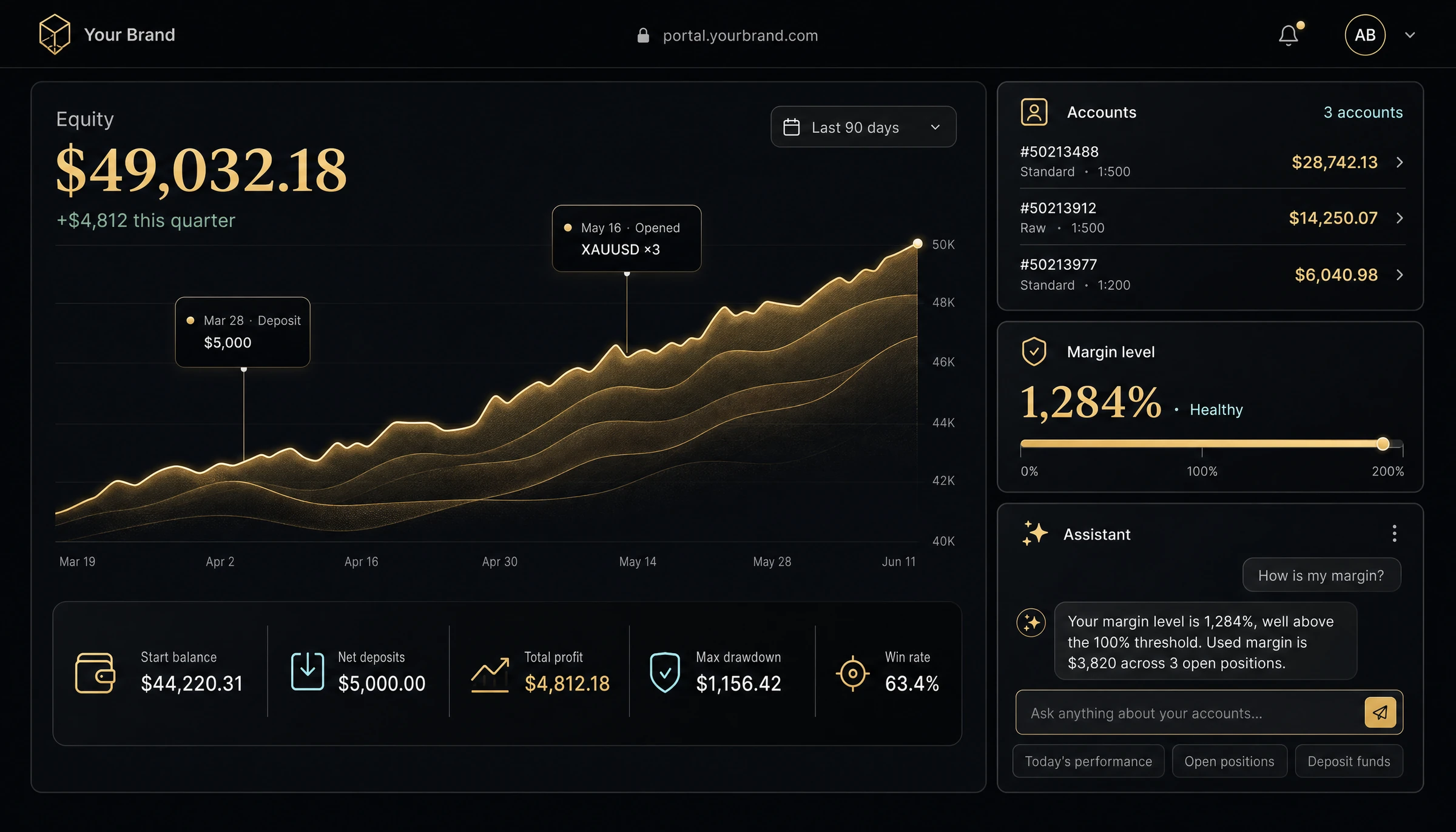
XFIV Portal is a white-label client portal, also called a trader's room, for MT5 brokers. Clients open and manage accounts, see balances and history, and ask a built-in AI agent about their account in plain language, all under your brand and domain.

Pricing from $1,200/mo plus setup. See pricing

XFIV Portal client area mockup
AI agent

Clients ask. The portal answers.

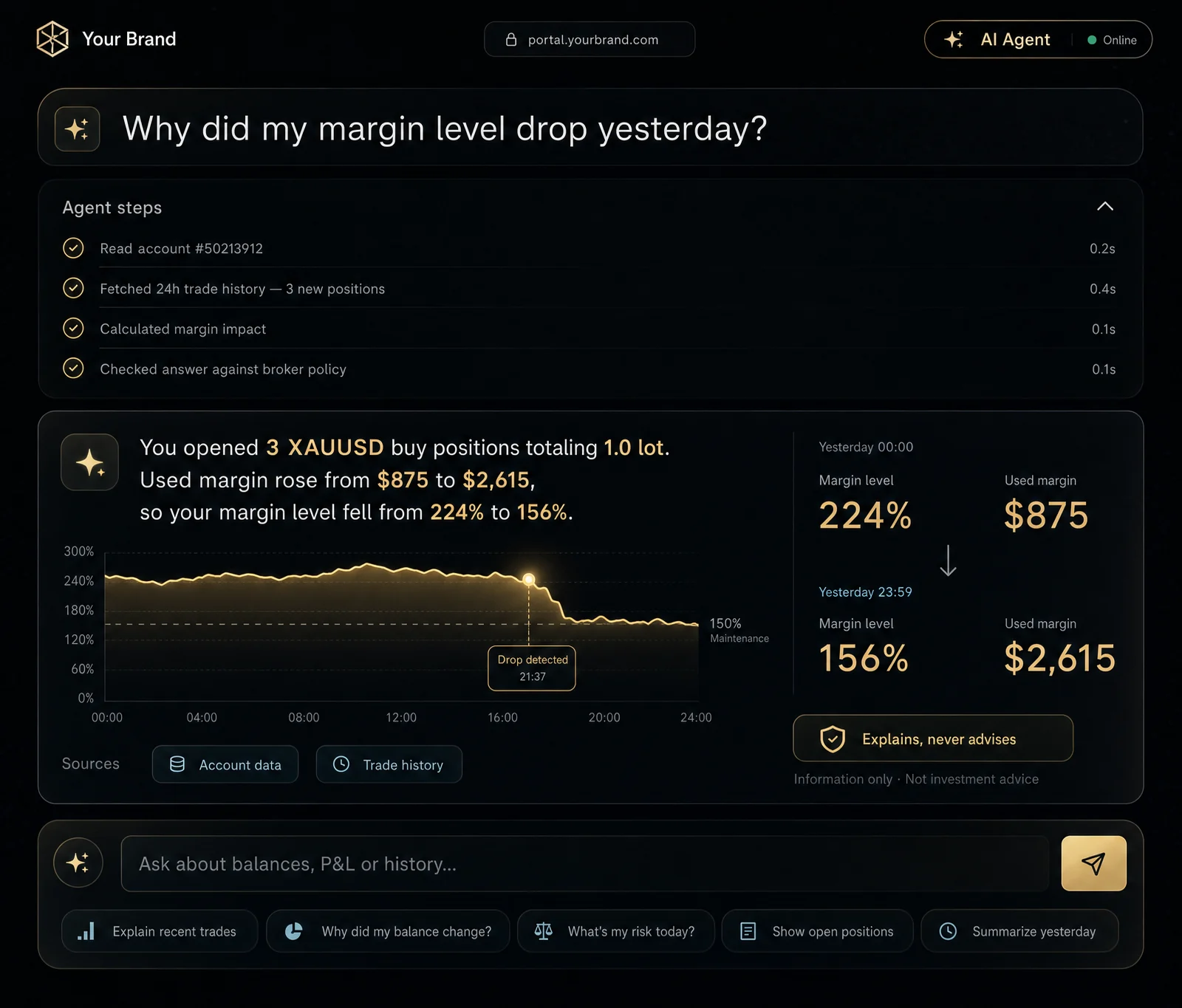
The agent reads the client’s own account data and answers questions about balances, P&L and history. It explains, it does not advise, and it stays inside the limits you set.

  • Account-aware answers
  • Information only, no investment advice
  • Tone and name set by the broker
AI agent conversation in the client portal
Onboarding

From sign-up to first account in one flow

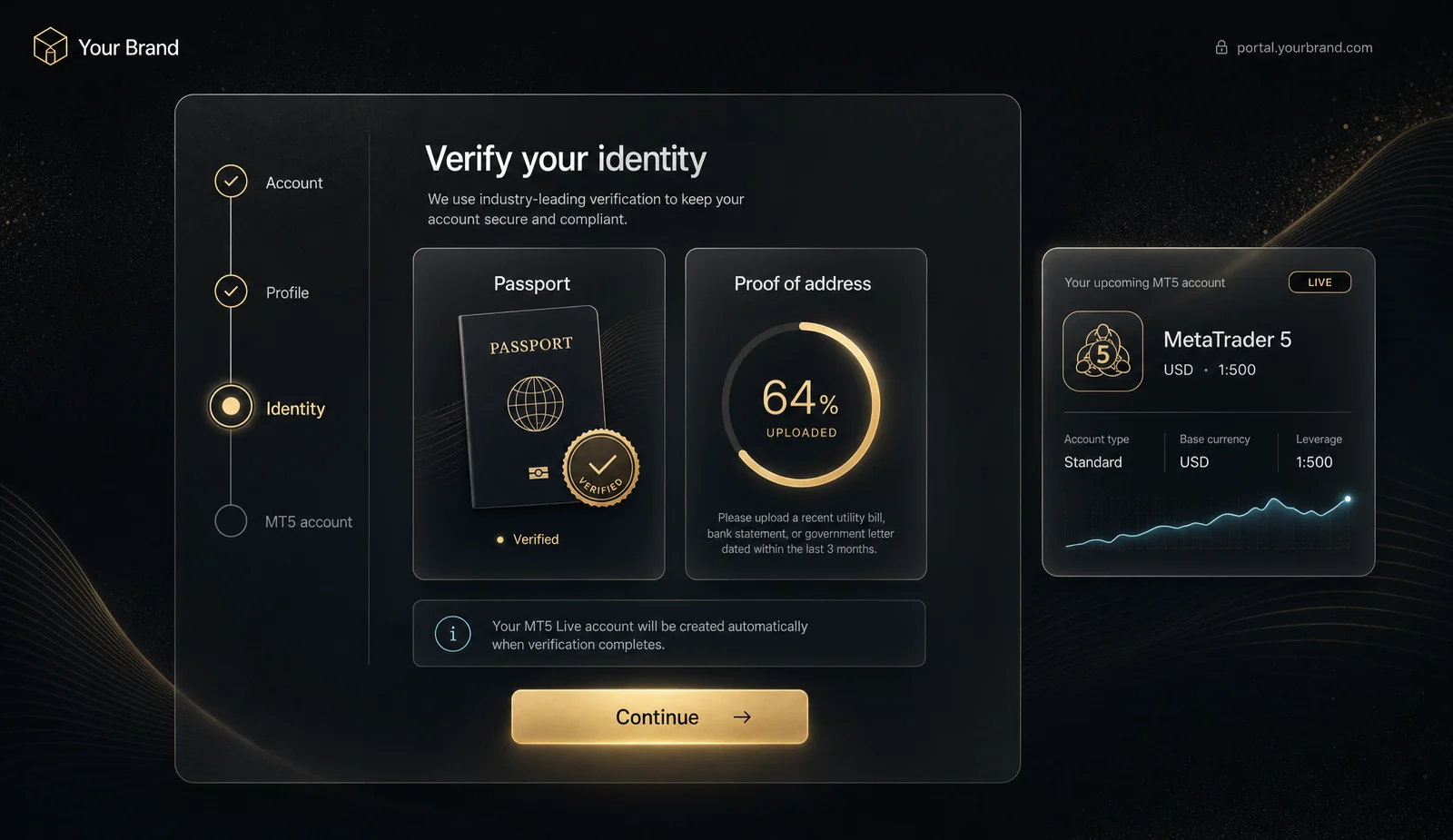
Registration, profile, document upload and MT5 account creation sit in one guided flow, so clients reach their first account without calling support.

  • Guided step-by-step flow
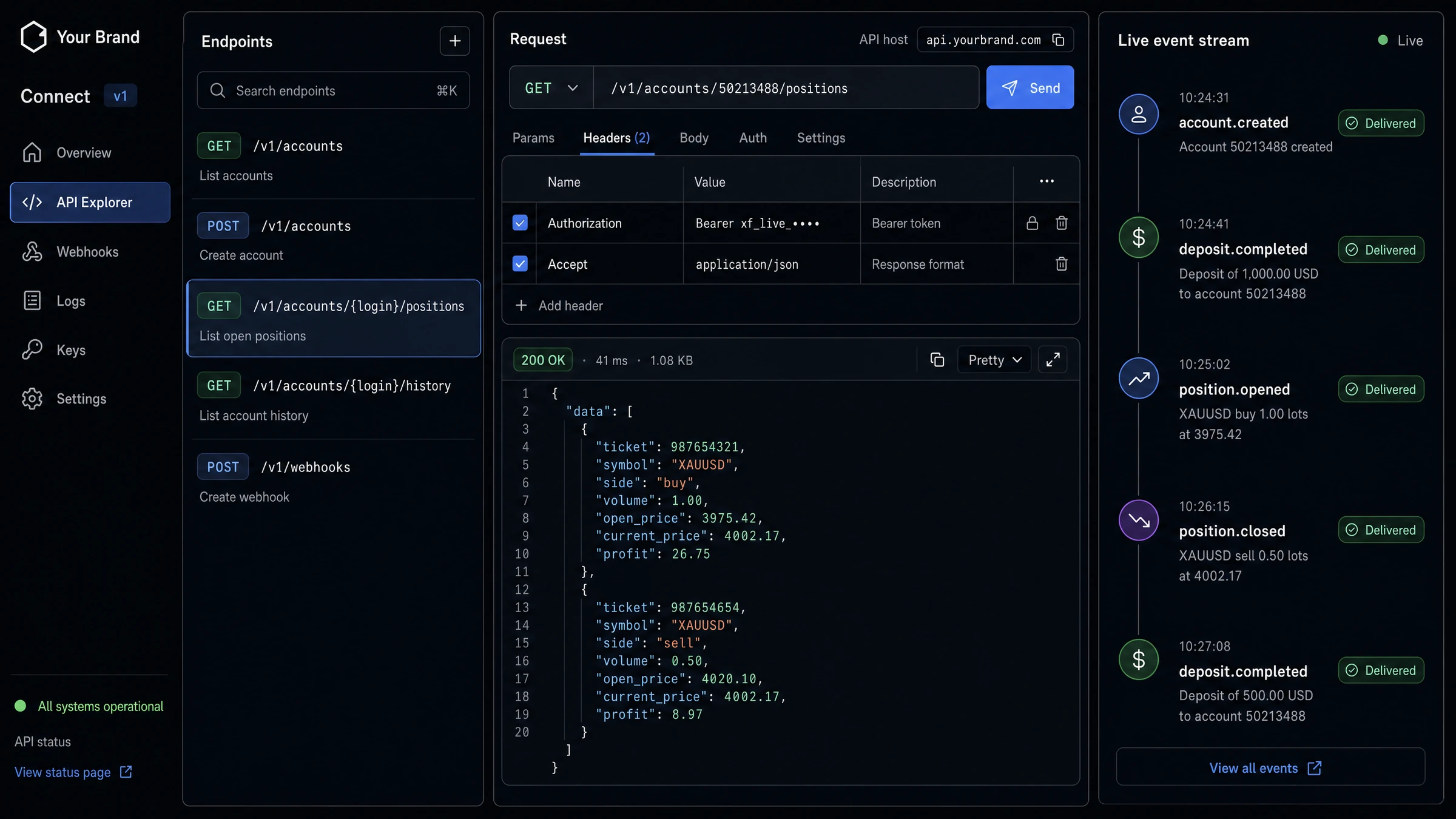
  • MT5 accounts created through XFIV Connect
  • Clear status at every step
Client onboarding steps
Your brand

Your name on every screen

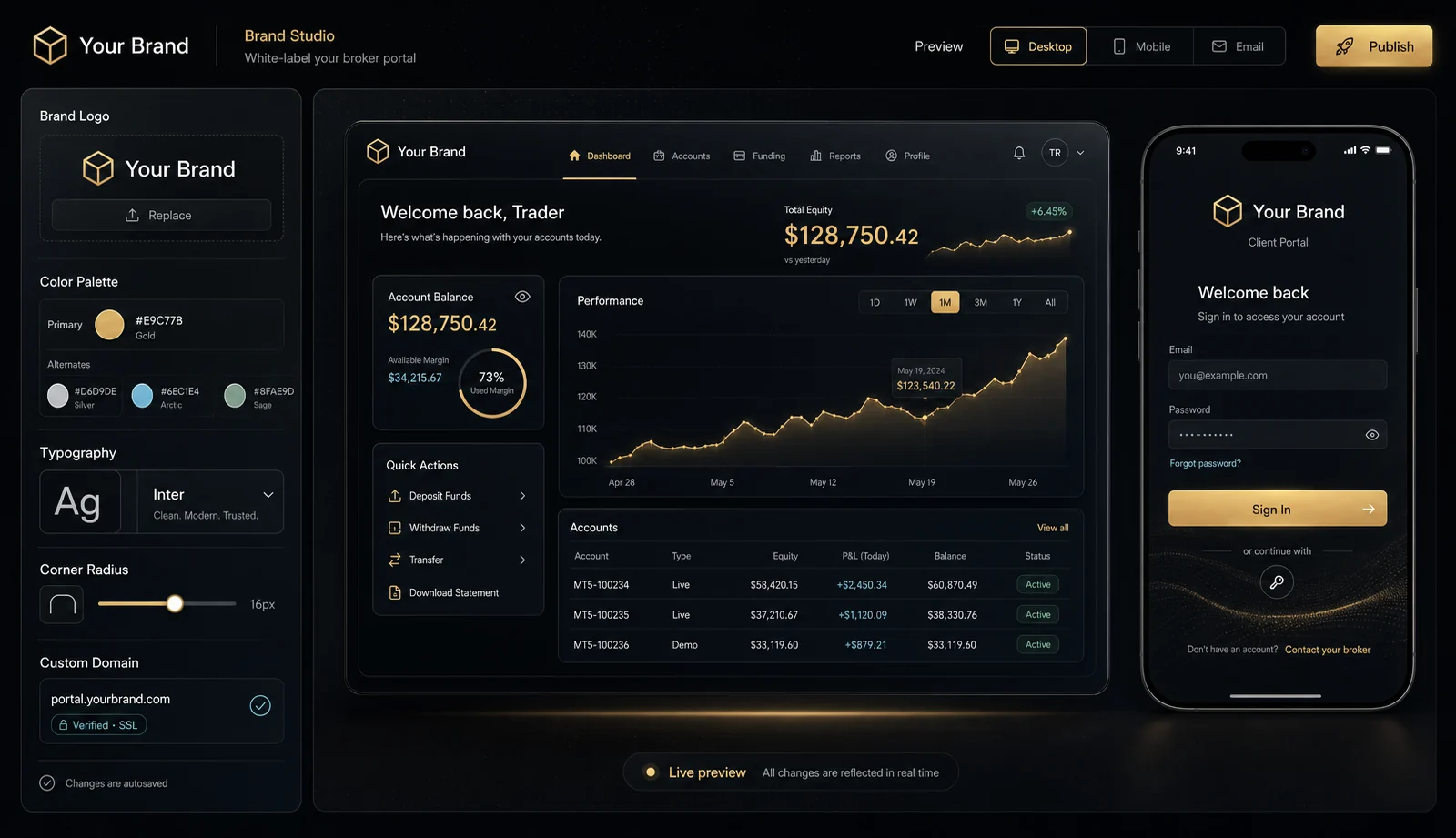
Logo, colours and domain are yours. Clients see your brokerage, not ours.

  • Custom domain
  • Brand colours and logo
  • Email templates in your voice
Branded portal settings

An Agentic Client Portal

XFIV Portal includes an AI agent your clients can talk to. It answers account questions, explains history, guides them through next steps and hands off to your support team when needed.

Explore XFIV Portal
AI
Agent inside the portal
Read
Account-aware answers
Handoff
To your human support
Brand
Your name, your tone

The AI agent provides information, not investment advice.

What’s inside

Everything in XFIV Portal

01

Account overview

Balances, equity and open positions across all MT5 accounts.

02

Trading history

Searchable history with filters and exports.

03

Funding requests

Deposit and withdrawal requests routed to your back office.

04

Documents

Upload and status tracking for client documents.

05

Support handoff

The agent hands the conversation to your team when needed.

06

Roles and access

Control which data the agent and staff can see.

How it works

From first call to go-live

  1. Connect MT5

    XFIV Connect links the portal to your MT5 server.

  2. Brand it

    Add your logo, colours, domain and agent persona.

  3. Set the rules

    Choose what the agent can read and when it hands off.

  4. Go live

    Invite clients, starting with a pilot group if you like.

FAQ

Questions brokers ask

What is a trader's room?

A trader's room is the secure area where a broker's clients manage their trading accounts, funding and documents. XFIV Portal is a white-label trader's room for MT5 brokers.

Does the AI agent give trading advice?

No. The agent provides information about the client’s own account and how to use the portal. It does not give investment advice or place trades.

Can XFIV Portal run without the other products?

Yes. XFIV Portal needs XFIV Connect to talk to MT5, and works with or without Trade, Copy and BrokerOS.

Can we choose which languages the portal and agent use?

Interfaces are prepared for multiple languages. Supported languages are confirmed during onboarding.

Can the AI agent be turned off?

Yes. You can turn it off, limit it to some clients, or restrict what data it can read.

How do deposits and withdrawals work?

The portal collects funding requests and routes them to your back office and payment providers. XFIV does not hold or move client funds.

Need more than software? Our team also supports brokers with branding, websites, marketing, PR, recruitment and more.

See XFIV Portal with your own setup

Book a demo and we will walk through it against your MT5 environment.

Last reviewed 2026-10-29