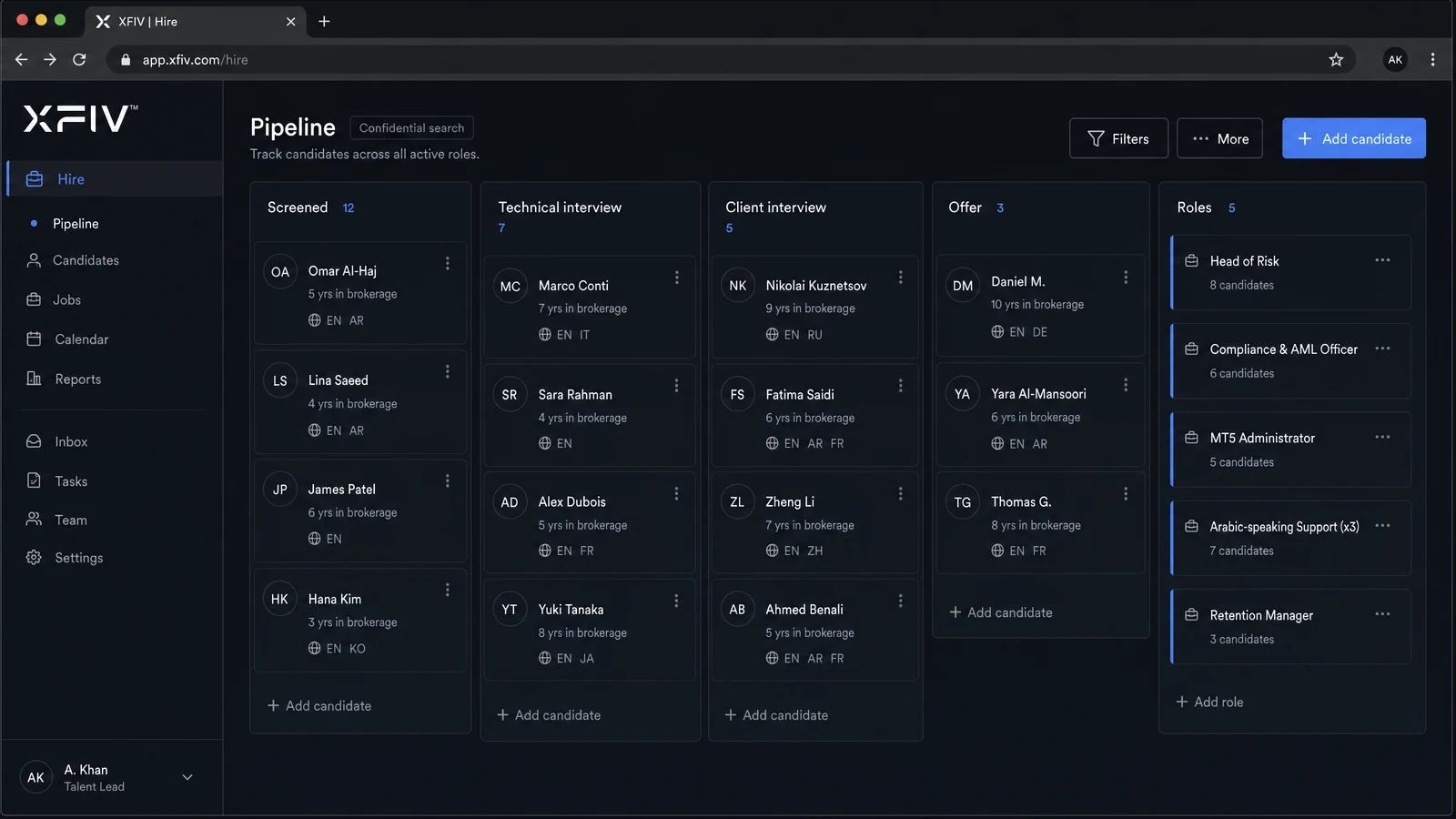









SymbolVolumeOpenCurrentP&L
EURUSDBuy 1.001.082141.08432+218.00
XAUUSDSell 0.502,348.602,341.20+370.00
GBPUSDBuy 0.801.271501.26985-132.00
Floating P&L+456.00 USD
AccountUSD
Balance25,000.00
Equity25,456.00
Margin3,270.80
Free Margin22,185.20
Five products. One stack.
Client portal, web trading, copy trading and an MT5 integration API, in your brand, on one connected core. Built for MT5 brokers.
Plus 24/7 support and the services around the platform, from a team that came from inside global brokers.
Technology provider. Not a broker.
Five products that work alone or together: a client portal with an AI agent, a web terminal, copy trading, an MT5 API with MCP, and a back office.
Explore all productsWhy XFIV
Most MT5 brokerages run on a portal from one vendor, a CRM from another and scripts in between. It works until it does not.
Balances in the portal, the CRM and MT5 disagree, and support spends the day reconciling.
One integration layer feeds every product, so everyone reads the same data.
Clients ask the same account questions every day, and tickets pile up.
An AI agent in the portal answers account questions and hands off to your team when needed.
Every new feature means another vendor, another contract and another integration.
Add Trade, Copy or BrokerOS on the same core when you are ready.
One stack. One integration. Your brand.
XFIV Connect is the core every product runs on. It links your MT5 server to the portal, terminal and copy engine through one documented API, with webhooks for near real-time events, a sandbox for testing, and an MCP layer so approved AI assistants can read data safely.
Clients ask an AI agent for balances, history and help.
Create accounts, sync data and receive webhooks.
A web trading terminal in your brand, over MT5.
Connect trading data to AI tools with scoped access.
Strategy providers and followers, with risk controls.
Interfaces prepared for global client bases.
Control who sees what and keep a record.
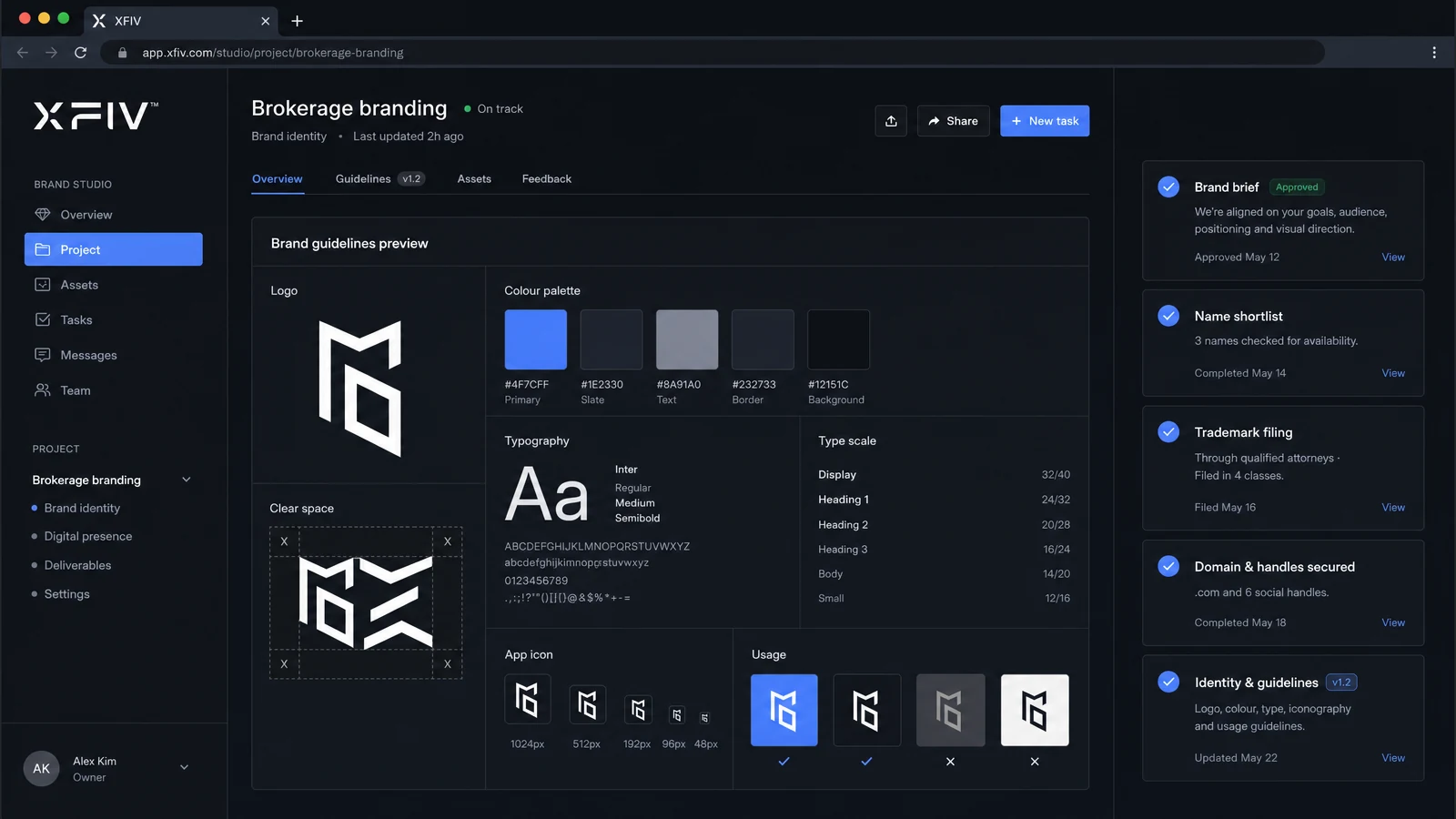
CRM, IB, reporting and risk views in BrokerOS.
XFIV Portal includes an AI agent your clients can talk to. It answers account questions, explains history, guides them through next steps and hands off to your support team when needed.
Explore XFIV PortalThe AI agent provides information, not investment advice.
With XFIV Connect, your clients can link their trading accounts to AI assistants through the Model Context Protocol. Access is read-only by default, scoped by the broker, and every request is logged for review.
Read the MCP guideAI responses are informational and are not investment advice.
Who it's for
Replace a dated portal or add web trading and copy trading without changing your MT5 server.
For existing brokersLaunch with a full client stack, working alongside your licensing, MT5 and payment partners.
For new brokeragesBuild on a documented MT5 API with webhooks, a sandbox and MCP, instead of maintaining your own.
For developersStart with one product or run all five. Each connects to MT5 through XFIV Connect, so data stays in sync as you grow.
See how it connectsServices
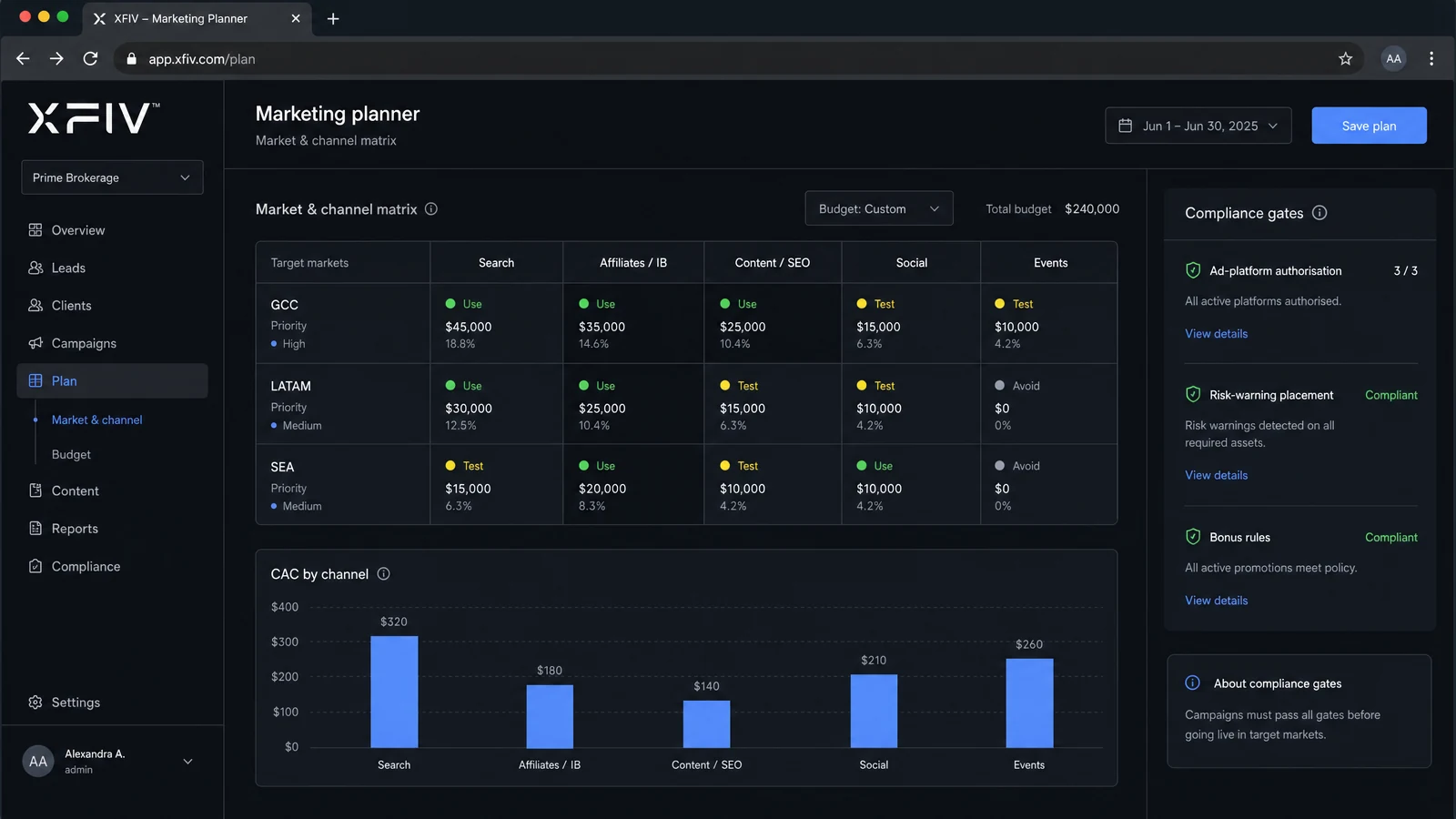
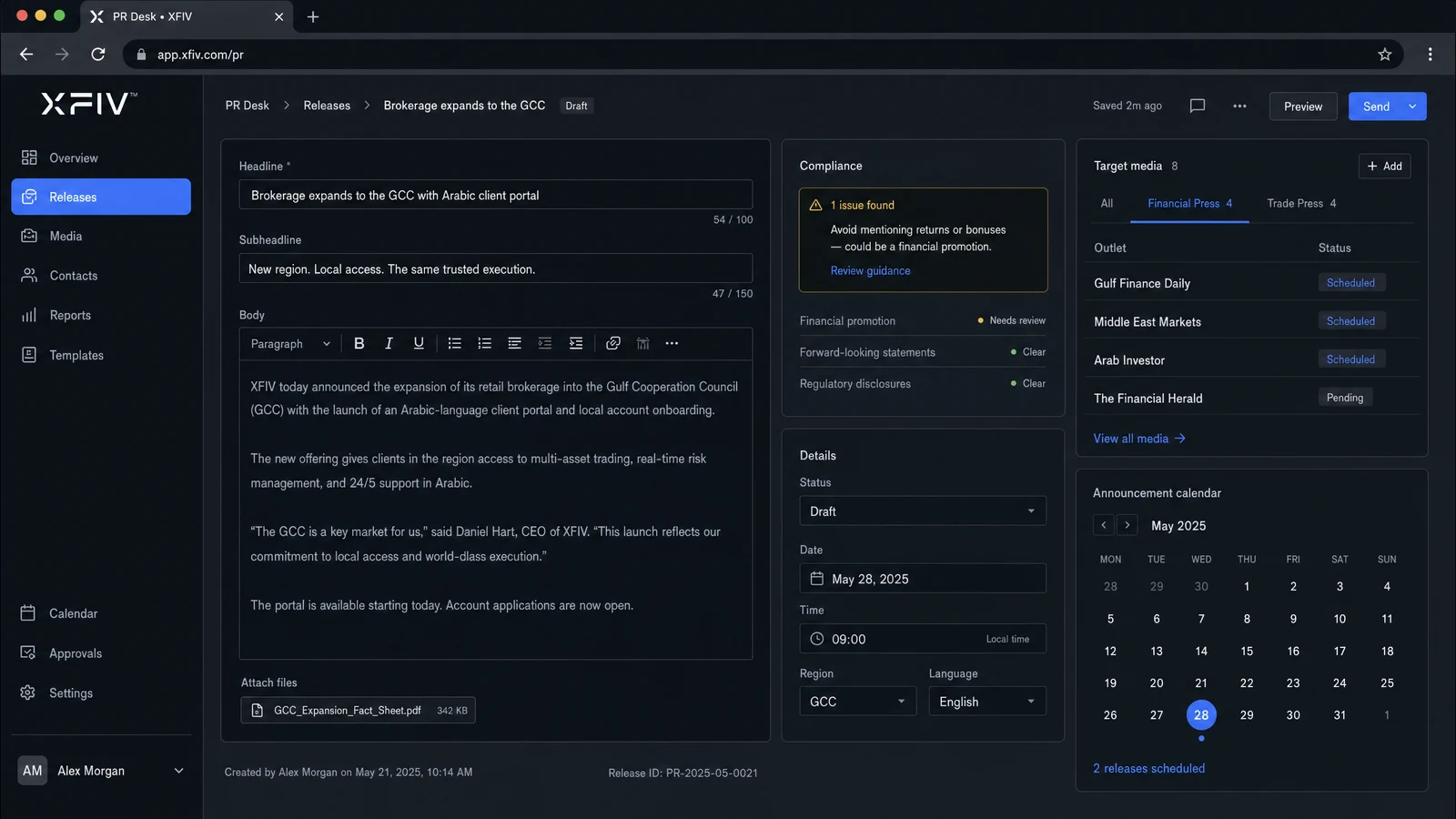
Software is only part of running a brokerage. For 18+ years our team has helped brokers with everything around it, from the first brand brief to the risk manager they hire.
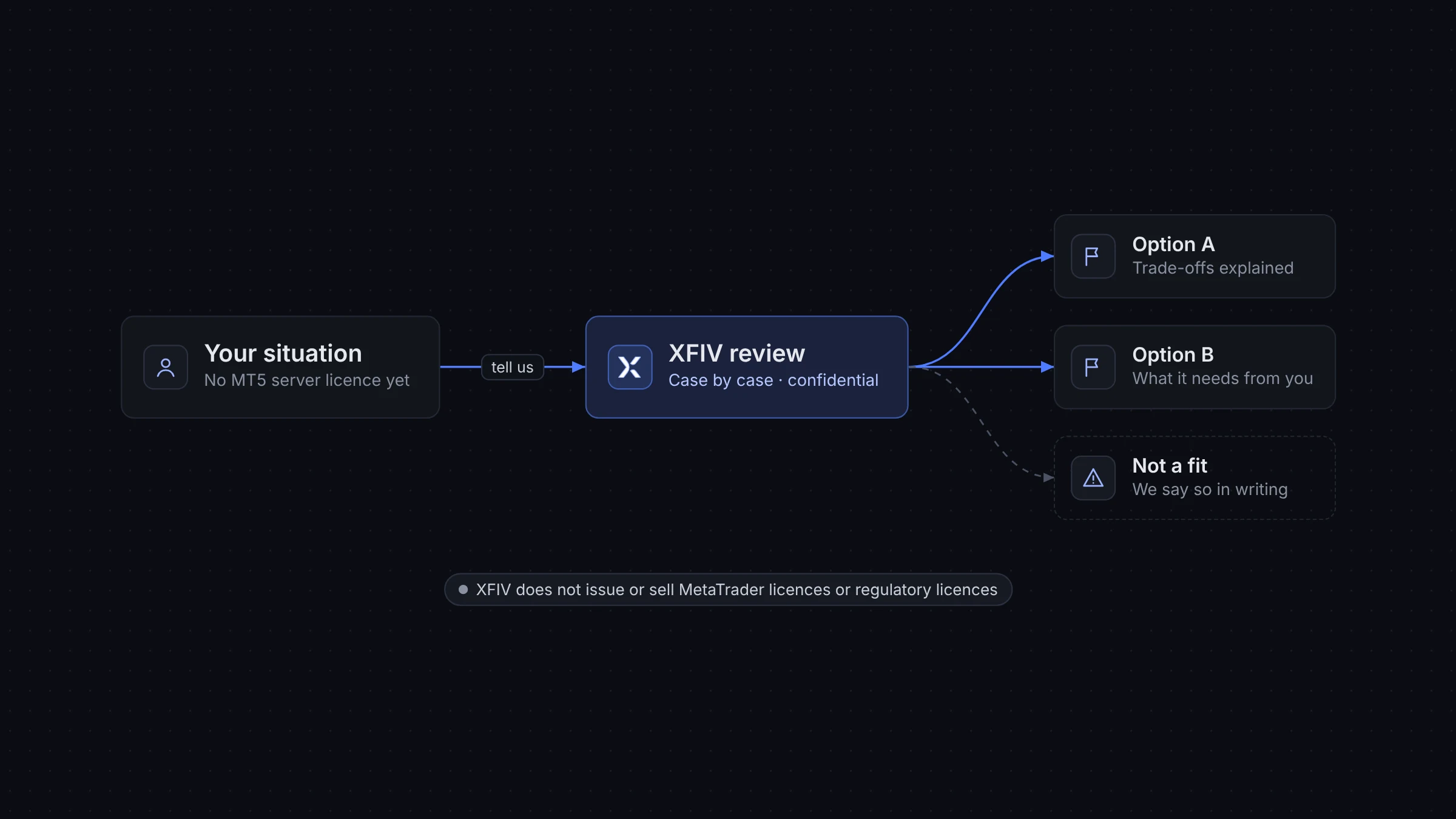
You may still have options. Tell us where you are, and our team will review your situation in confidence and explain the options we can support.
XFIV does not issue or sell MetaTrader licences or regulatory licences.
Pricing
Prices below are typical starting points. Final quotes depend on scope.
How it works
A clear path, agreed with your team at the start.
We review your MT5 setup, current tools and goals, and agree the scope.
Your team builds and tests against sample data while we configure branding.
XFIV Connect is linked to your MT5 server, and roles, scopes and AI rules are set.
Launch to a pilot group first, review the audit logs, then open to all clients. After go-live, our 24/7 support team takes over.
Timelines depend on scope and are set in your proposal.
Options
An honest view of the three paths brokers usually consider.
| Build in-house | Separate point tools | XFIV | |
|---|---|---|---|
| Control | Full | Limited per vendor | Your brand, your scopes |
| Time to first launch | Longest | Varies by vendor | Agreed in proposal |
| Integration work | All on you | One per vendor | One layer, XFIV Connect |
| Data consistency | Depends on your team | Often drifts between tools | Shared core |
| Ongoing maintenance | Your team | Several contracts | One provider |
| AI and MCP access | Build it yourself | Rarely available | Built in, read-only by default |
| Best when | You have a large engineering team | You need one specific tool | You want the client stack on one core |
Every path can work. The right one depends on your team, budget and timeline.
Integrations
XFIV Connect sits between your MT5 server and the systems around it. Providers are confirmed per project.
See integrationsSecurity
We are building towards formal security certifications. Security questionnaires are answered during onboarding.
Read about securityAI assistants and the portal agent cannot place trades.
You decide what each key and AI client can read.
Every API and MCP request is recorded.
Your systems can check every event came from XFIV.
Confidential by default: every engagement is under NDA, and we never name clients.
XFIV is a brokerage technology provider. We build five connected products for MT5 brokers: XFIV Portal, XFIV Trade, XFIV Copy, XFIV Connect and XFIV BrokerOS. XFIV is not a broker and does not offer trading or financial services.
Explore the productsNo. XFIV provides software only. We do not hold client funds, execute trades for clients or provide licences. Brokers using XFIV remain responsible for their own regulatory obligations and should take independent legal advice.
It lets clients ask questions in plain language about their accounts, balances and trading history, get guidance on portal tasks and reach support. It gives information, not investment advice, and brokers control what data it can access and how it presents itself to their clients.
About XFIV PortalThe Model Context Protocol (MCP) is an open standard for connecting AI assistants to software. Through XFIV Connect, clients can link their trading accounts to compatible AI assistants. Access is read-only by default, permissions are set by the broker, and every request is recorded in an audit log.
About MCP in XFIV ConnectNo. XFIV is built to work alongside your existing MT5 setup. XFIV Connect integrates with your MT5 server, and products like Portal and Trade add a branded experience on top. Compatibility with your build is confirmed during onboarding.
About XFIV ConnectYes. Each product can run on its own or together with the others. Most teams start with one product, such as Portal or Connect, and add more later.
No. XFIV Copy is software for copying trades between accounts, with risk controls set by the broker. Trading carries risk, past performance does not guarantee future results, and brokers are responsible for how copy trading is offered.
XFIV offers four packages: Essential from $1,500/month, Professional from $3,000/month, Launch from $5,000/month and Enterprise from $8,000/month, plus a one-time setup fee. These are typical starting prices. Your quote depends on products, client volume and integration needs.
See pricingBook a demo. We will review your current setup, recommend the right products and package, and set you up with a test environment before anything goes live.
Book a DemoIt depends on your MT5 setup, the products you choose and the systems you connect. We agree a plan and timeline in your proposal, and you can start building in the sandbox before go-live.
XFIV is built for MetaTrader 5. Other platforms are not supported today. Tell us about your setup when you book a demo.
Hosting and data location are confirmed per project and shared during your security review. As the broker, you remain the data controller for your clients.
Yes. Brokers decide whether to offer the AI agent and MCP access at all, to which clients and with which data scopes. The portal works without them.
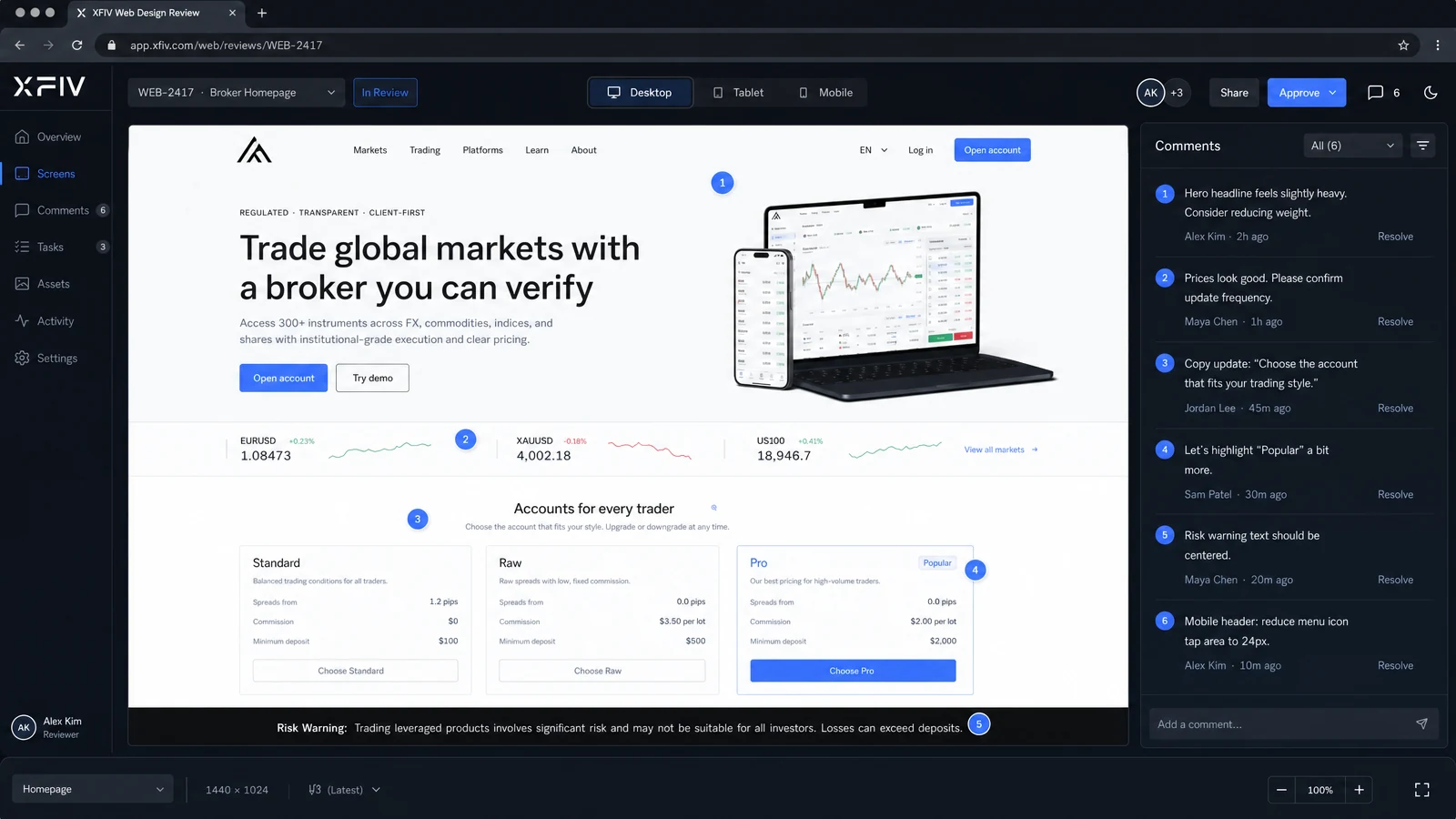
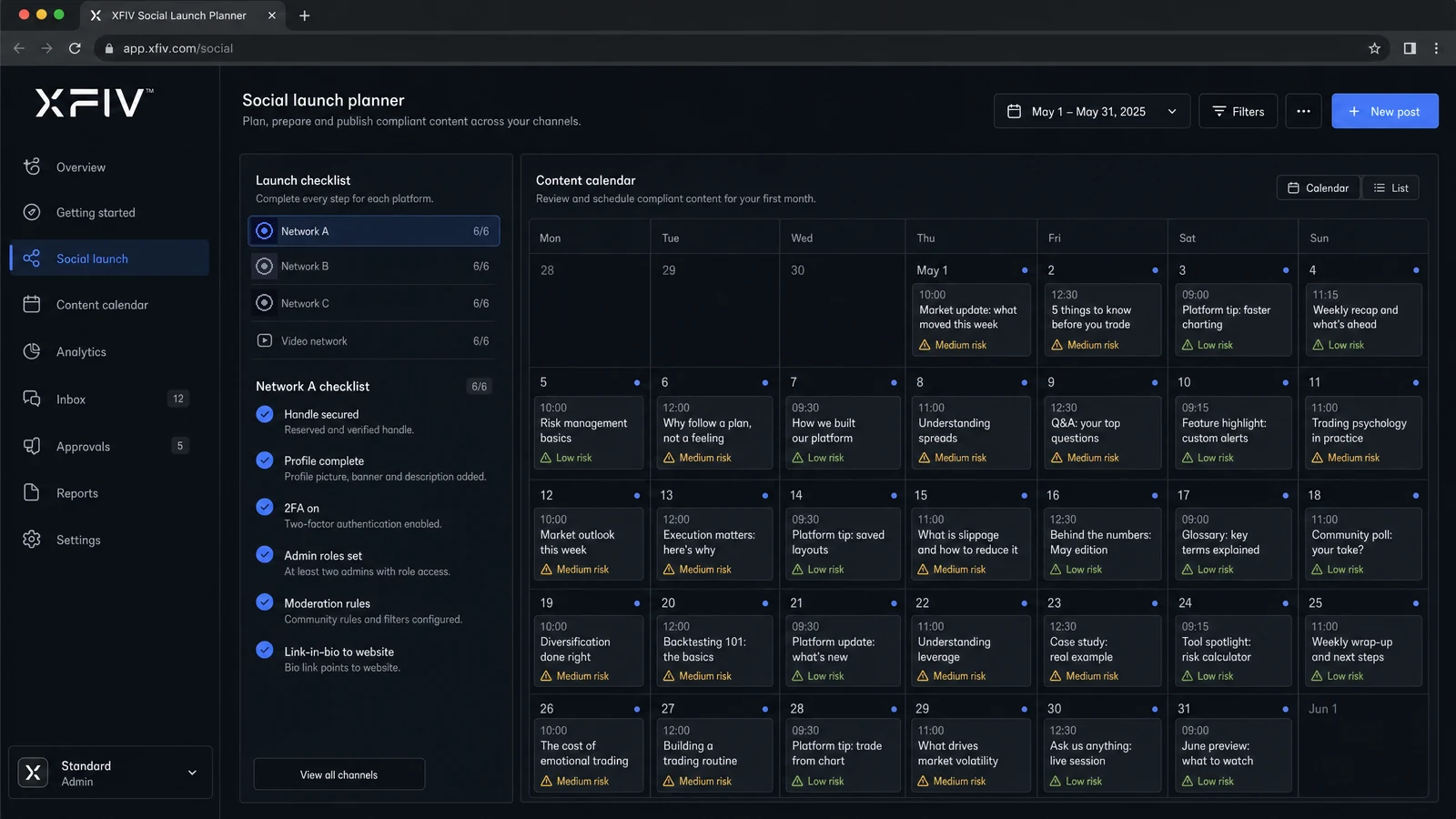
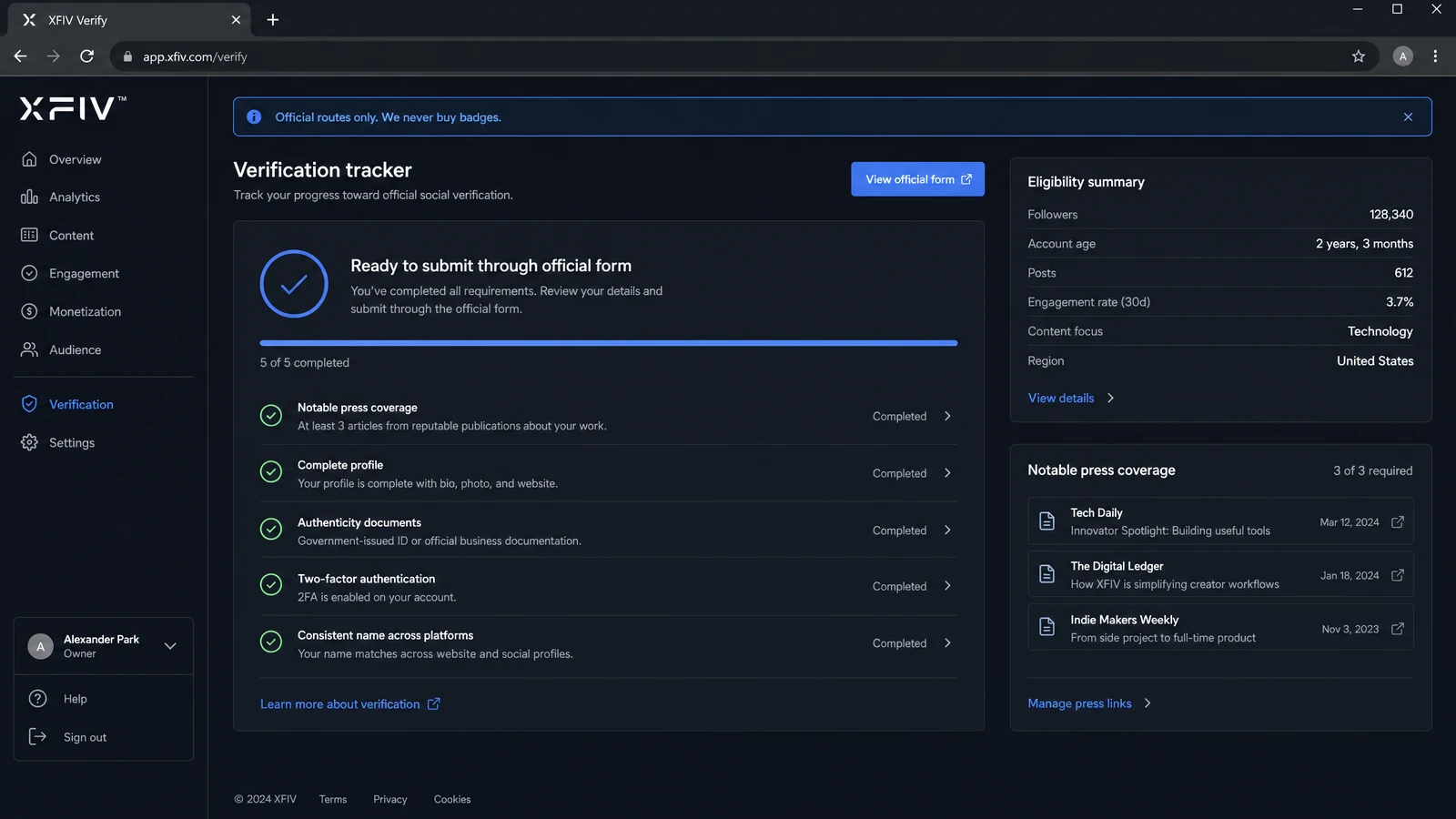
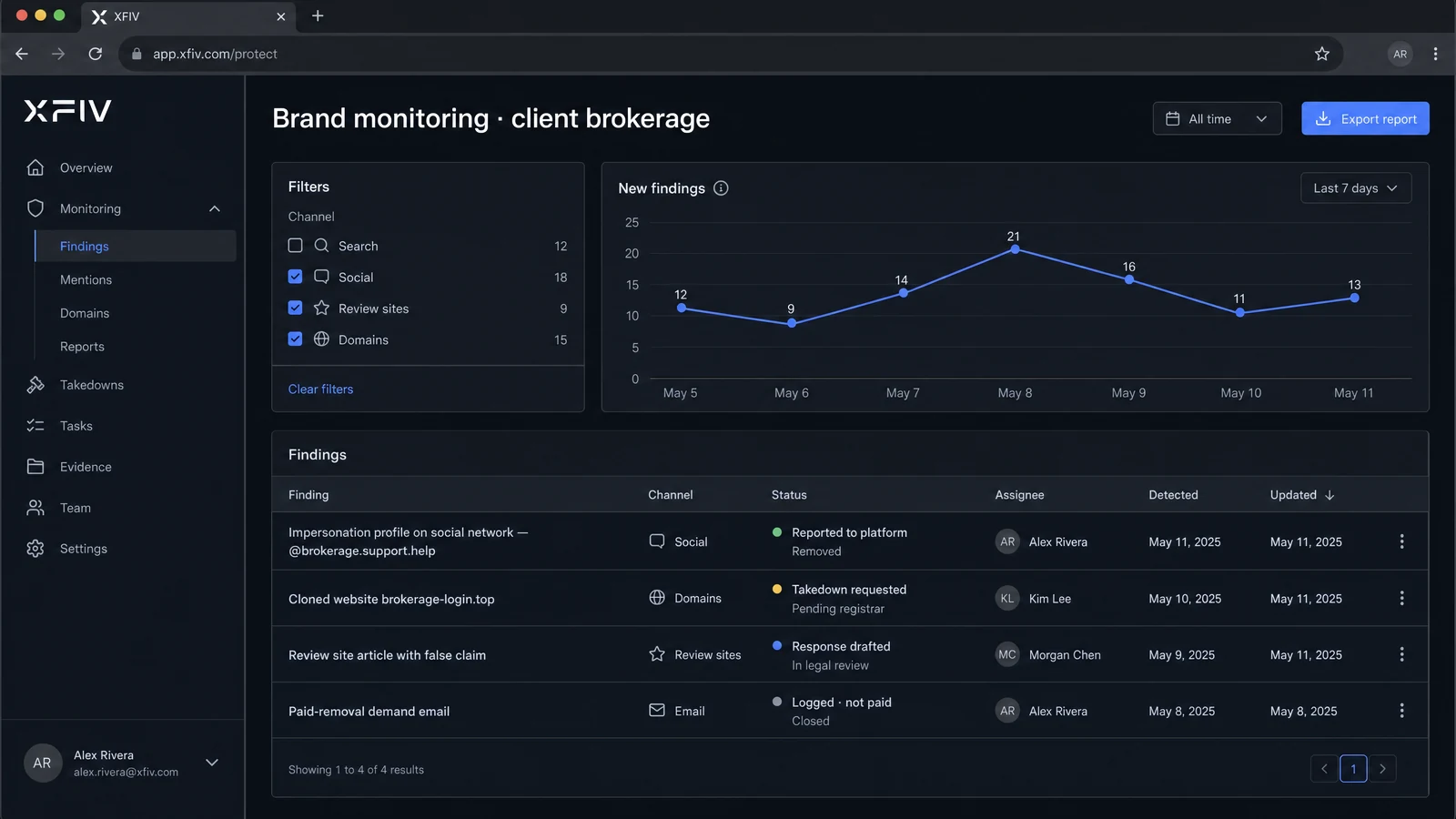
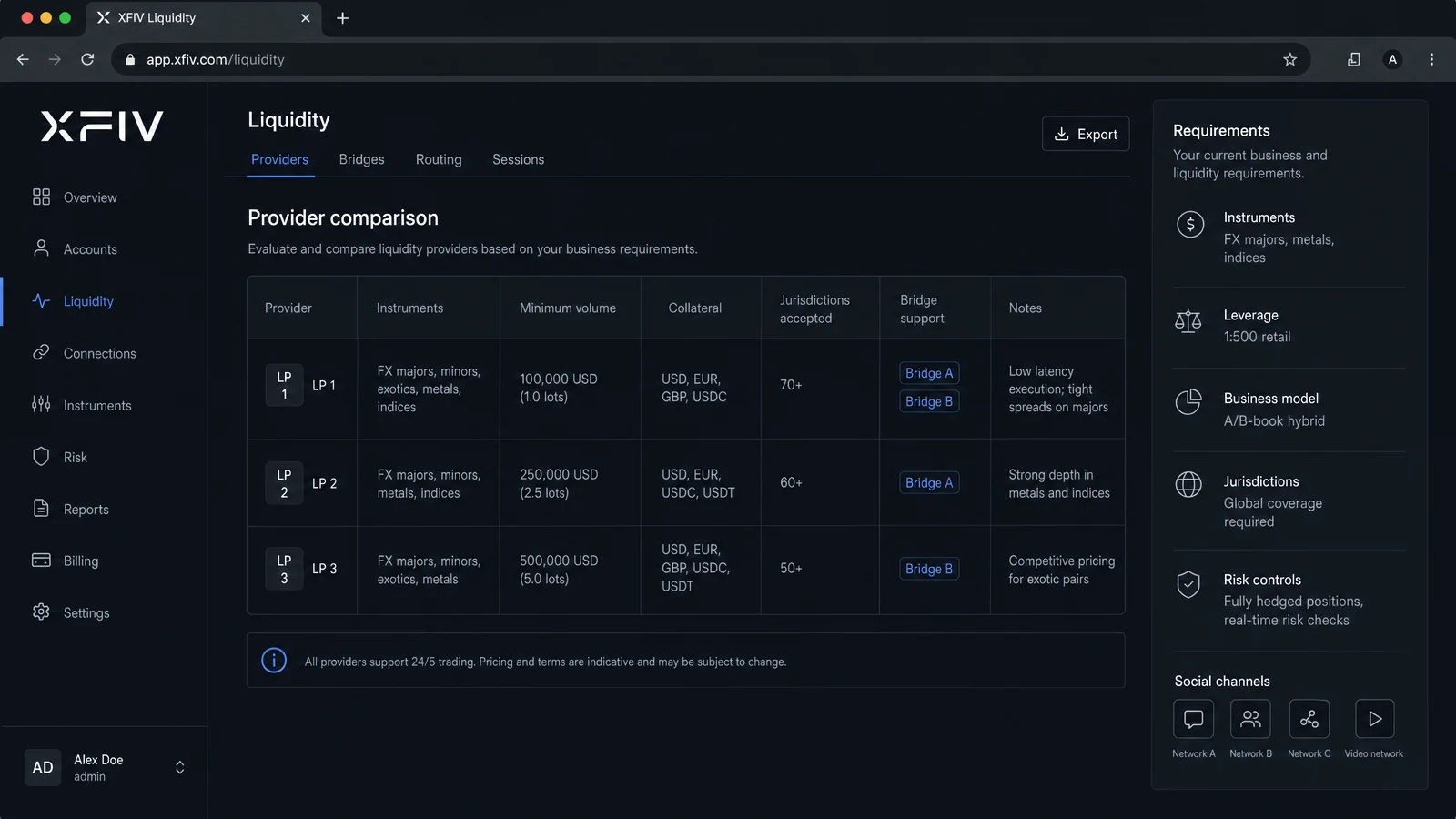
Yes. Alongside our five products, our team offers nine services for brokers: branding and trademark support, website design, social media launch, verification support, marketing strategy, PR, brand protection, liquidity connectivity and recruitment. Each can be used on its own.
See all servicesSupport runs 24/7, every day of the year, with a guaranteed first response from a trained person in under 30 minutes. Exact terms are set out in your service agreement.
How our support worksXFIV is a brand of FIKO AI LABS LTD (England and Wales, no. 16502068). It was built by senior and mid-level managers who previously worked inside global brokerages. Our team has 18+ years of experience in brokerage technology and services.
Our experienceOur team has supported 30+ brokers worldwide. We work under NDA and never name our clients.
Yes. Tell us about your plans and current setup. We review each case in confidence and explain the options we can support. XFIV does not issue licences.
No MT5 licence yet?No. Those decisions belong to journalists, platforms, search engines and courts. We guarantee the work we control: preparation, quality, speed and honest reporting.