Developers

Build on MT5 with XFIV Connect

The XFIV developer hub is where brokers and their engineering teams start building on MT5. XFIV Connect gives you a REST API described in OpenAPI, webhooks for account and trading events, a sandbox with sample data and an MCP layer for AI assistants. This page explains what is available and where to go next.

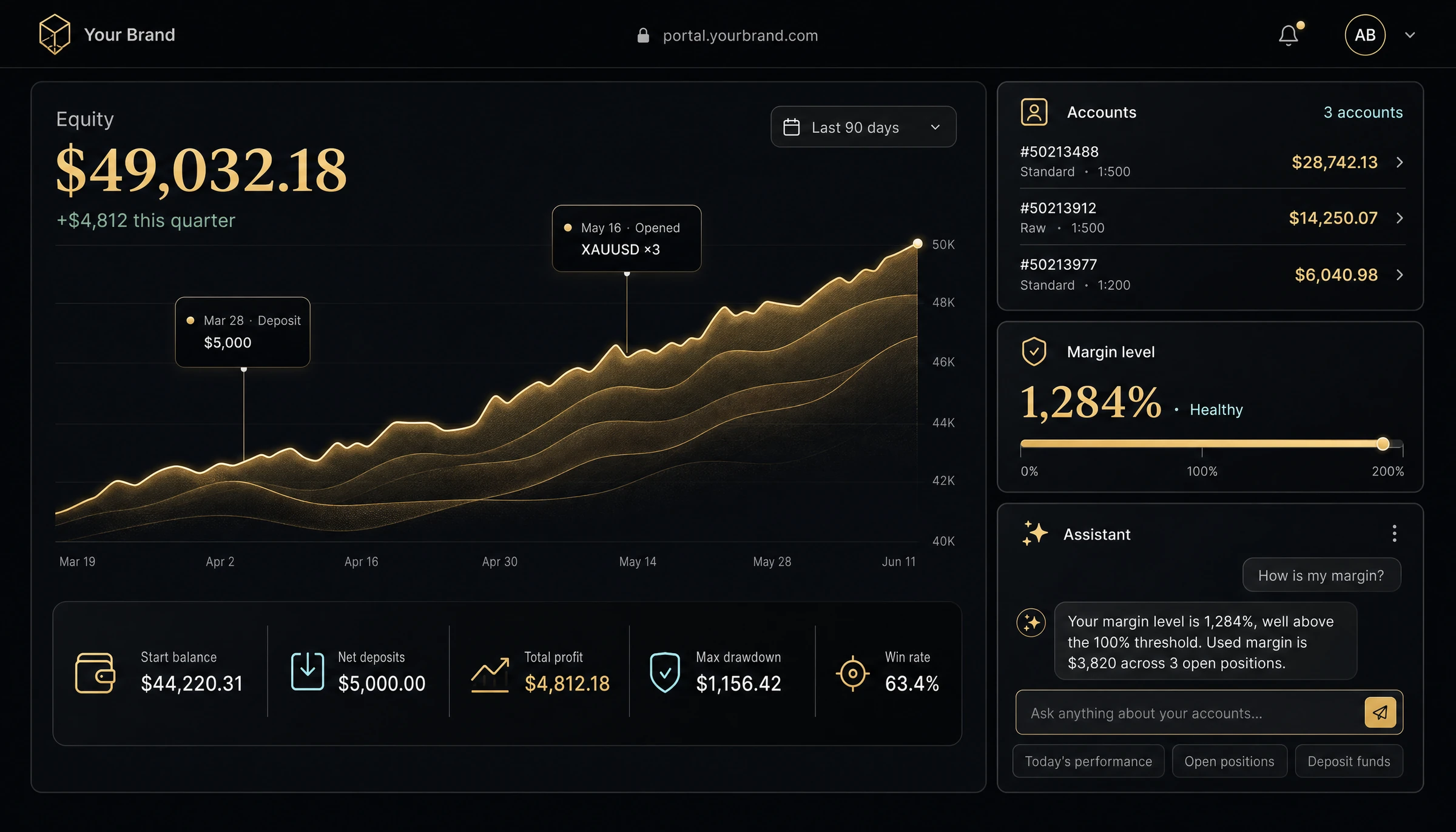
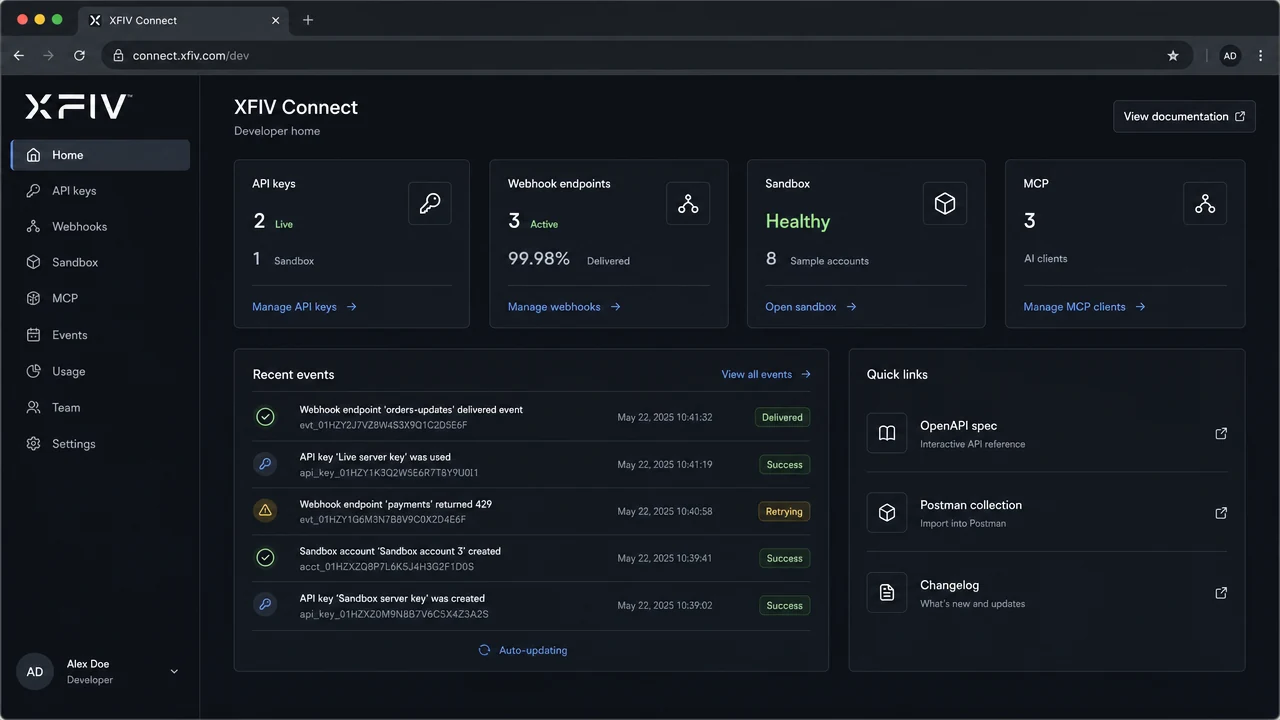
XFIV Connect developer console showing API keys, webhook events and sandbox status
Overview

One integration layer for your MT5 server

Most MT5 brokers end up with a patchwork of scripts, plugins and point-to-point integrations. Each one talks to the MT5 server in its own way, with its own credentials and its own failure modes. XFIV Connect replaces that patchwork with one documented layer that sits between your MT5 server and the systems around it.

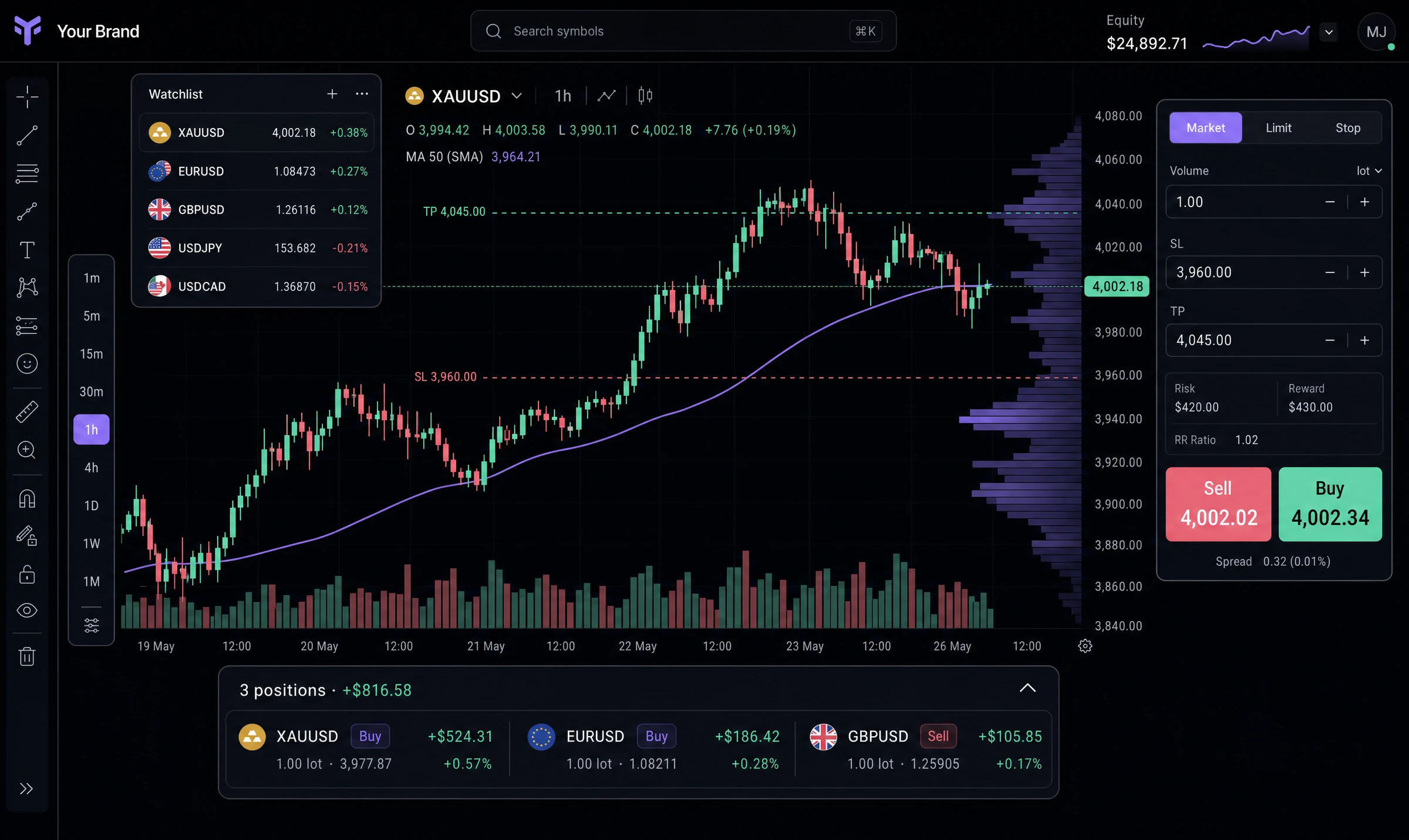
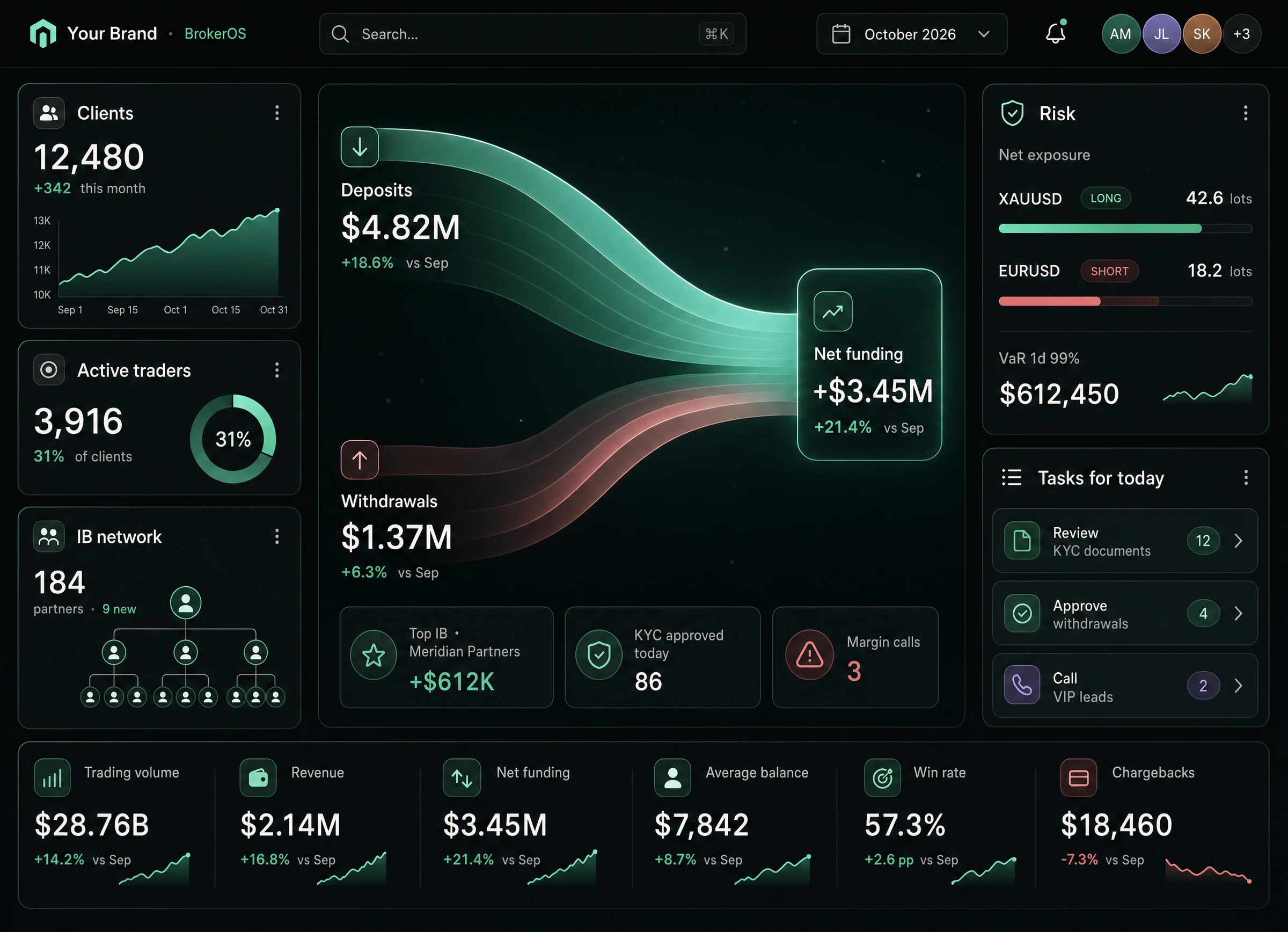
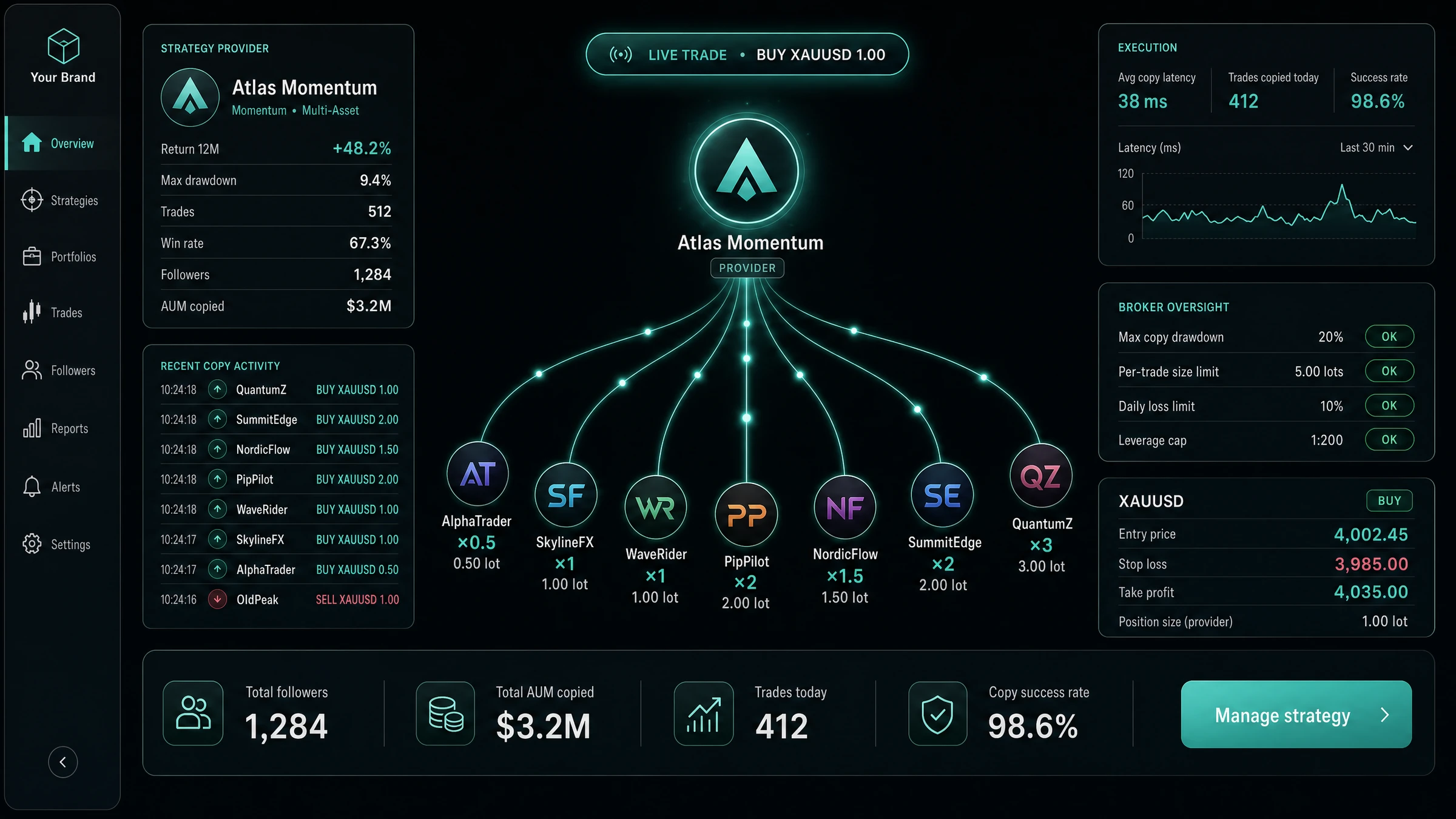
Your CRM, client portal, payment flows, reporting tools and AI assistants all call the same API. Access is controlled with scoped keys, every call is written to an audit log. XFIV Portal, XFIV Trade, XFIV Copy and XFIV BrokerOS use the same layer, so anything they can do, your own systems can be built to do as well.

Documentation, sandbox access and keys are provided to brokers during onboarding, and compatibility with your MT5 build is confirmed before anything touches production.

REST API

An API described in OpenAPI

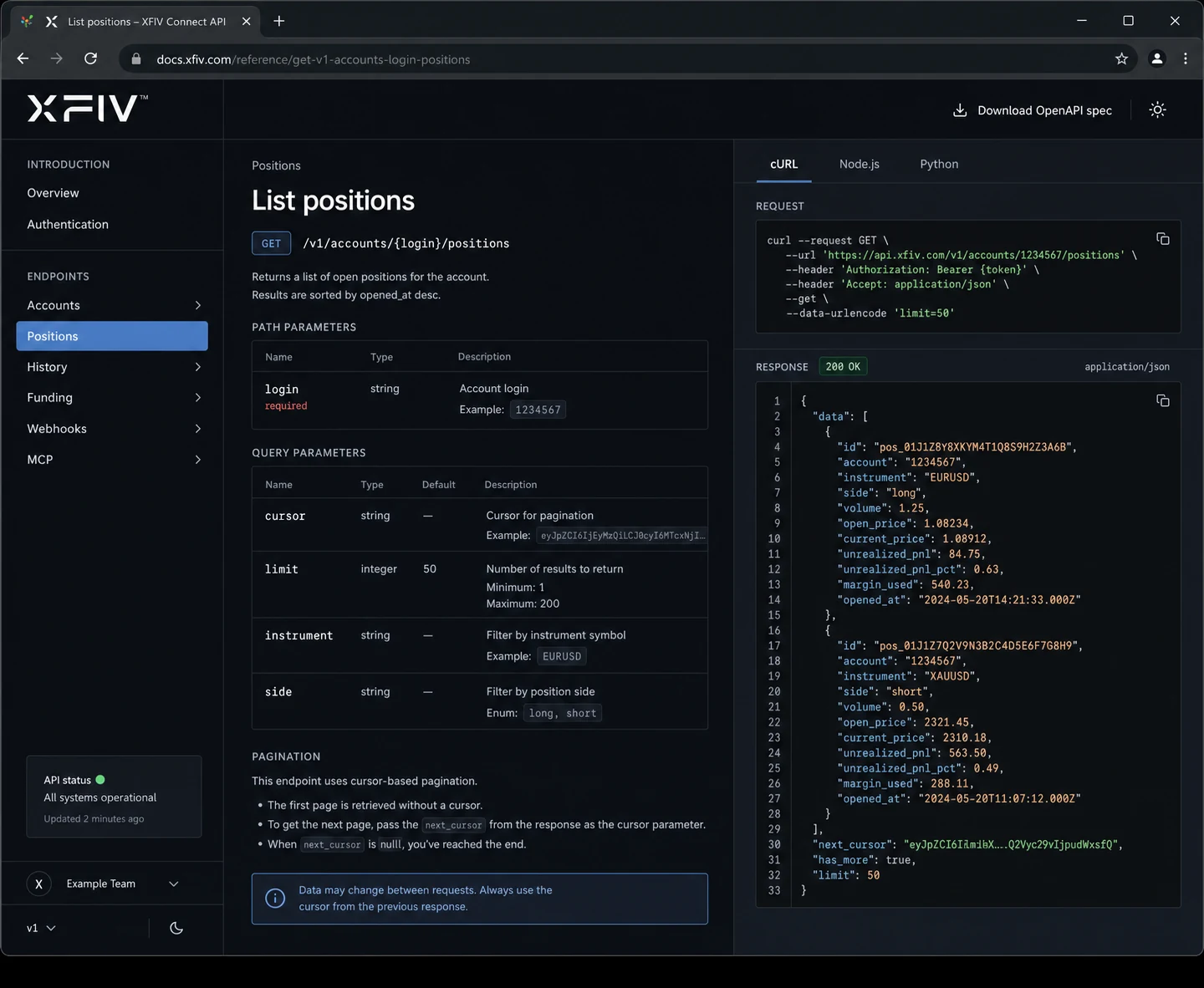
Every capability of XFIV Connect is described in an OpenAPI specification. Read it in the browser, import it into your API client, or generate a client library in the language your team already uses.

  • Human-readable reference docs
  • Machine-readable OpenAPI spec
  • Consistent errors and pagination
API reference page listing account and trading data operations
Webhooks

React to events instead of polling

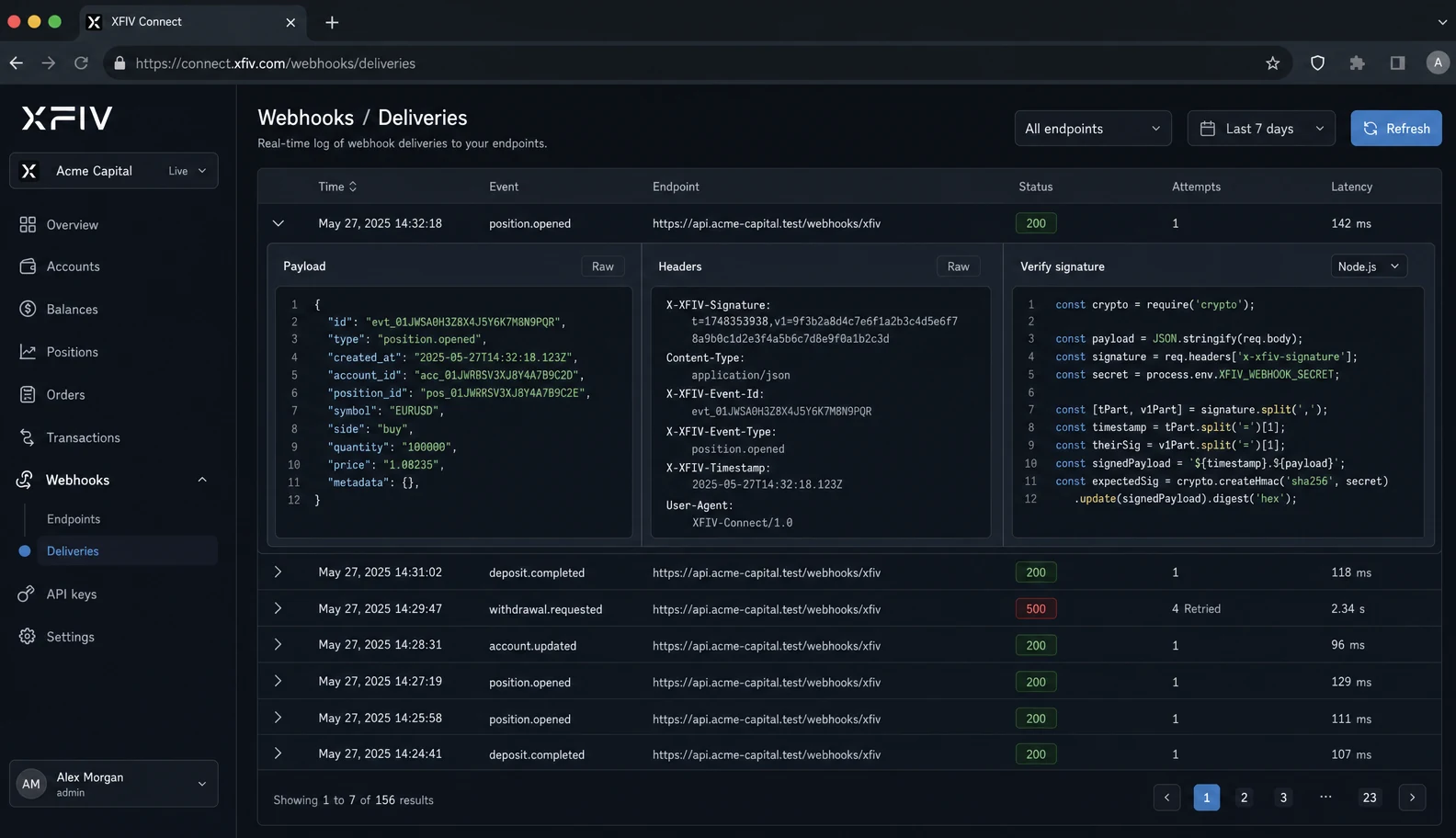
Subscribe to account, trading and funding events and receive them as signed webhook payloads. Your systems verify the signature, process the event and move on, without hammering the MT5 server for changes.

  • Signed payloads you can verify
  • Retries when your endpoint fails
  • Event log for debugging
Webhook event log with delivery status for each event
Sandbox

Test with sample data first

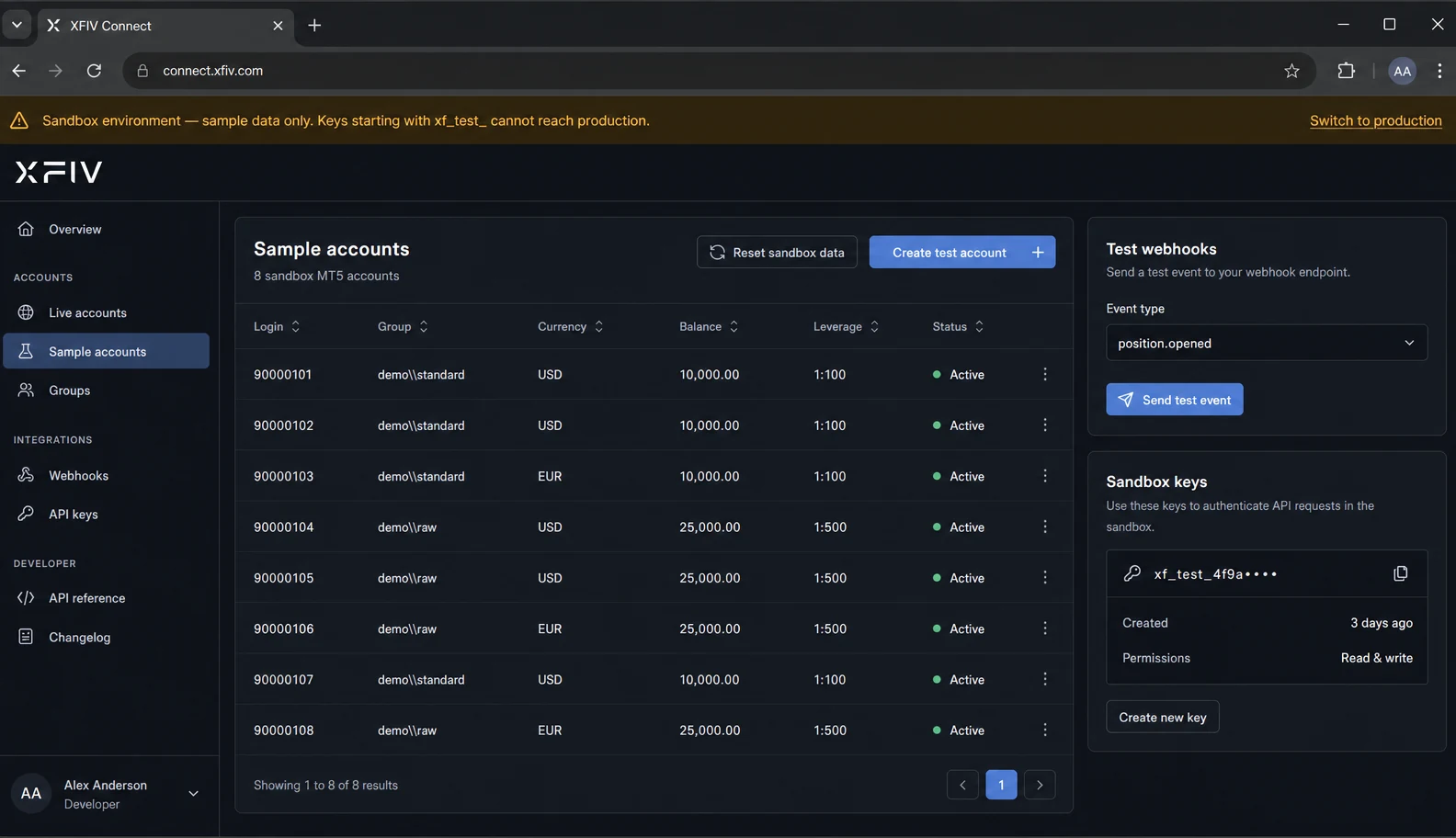
The sandbox mirrors the production API with sample accounts and data. Build, break and fix your integration there, then switch keys when you are ready to go live.

  • Same API shape as production
  • Sample accounts and history
  • Separate sandbox keys
Sandbox environment banner above a list of sample trading accounts
What the API covers

Capability areas in XFIV Connect

The reference documentation groups operations by area. The table below is a summary of what each area is for, not a list of endpoints.

AreaWhat you can doTypical use
AccountsCreate MT5 accounts and read account details, balances and equityClient onboarding from a portal or CRM
Trading dataRead open positions, orders and trading historyClient dashboards, statements and reporting
FundingRead and record deposit and withdrawal activityBack-office reconciliation and approvals
WebhooksSubscribe to events and inspect delivery historyNear real-time CRM updates and notifications
MCPExpose scoped, read-only account data to approved AI assistantsClient-facing AI assistants and agents
AdministrationManage API keys, scopes and audit logsSecurity reviews and access control

Engineered to Connect,
Built for MT5

XFIV Connect is the core every product runs on. It links your MT5 server to the portal, terminal and copy engine through one documented API, with webhooks for near real-time events, a sandbox for testing, and an MCP layer so approved AI assistants can read data safely.

Rate limits
Protects your MT5 server
Sandbox
Test before you go live
Getting started

From first call to production

  1. Book a technical call

    We review your MT5 setup, confirm build compatibility and agree on what you want to integrate.

  2. Get sandbox access

    You receive documentation and sandbox keys scoped to the areas you need.

  3. Build and test

    Integrate against sample data, subscribe to webhooks and check the audit log for every call.

  4. Review scopes

    Decide which keys and AI clients can read what in production, following least-privilege access.

  5. Go live

    Switch to production keys, start with a limited group of accounts and monitor the logs.

Good practice

How to build a reliable integration

A few habits make MT5 integrations easier to run over time. The documentation covers each in detail.

01

One key per integration

Give your CRM, portal and reporting tool separate keys so you can scope and revoke each one on its own.

02

Verify every webhook

Check the signature on each payload before you act on it, and treat repeated deliveries as normal.

03

Respect rate limits

Rate limits protect your MT5 server. Back off and retry when a limit is reached instead of looping.

04

Read the audit log

When something looks wrong, the audit log shows which key called what and when.

FAQ

Common questions

Where is the XFIV Connect API documentation?

Documentation and the OpenAPI specification are shared with brokers during onboarding, together with sandbox access. Book a demo to start that process.

Do I need the MT5 Manager API to use XFIV Connect?

XFIV Connect handles the connection to your MT5 server for you. Your systems call XFIV Connect instead of working with the MT5 server directly. Compatibility with your MT5 build is confirmed during onboarding.

Is there a sandbox?

Yes. The sandbox mirrors the production API with sample accounts and data, and uses separate keys.

Can AI assistants use the API?

Yes, through the MCP layer in XFIV Connect. Access is read-only by default, scopes are set by the broker and every request is logged. AI assistants do not place trades.

Which language is XFIV Connect written in?

The backend is written in Go. You can call the REST API from any language and generate clients from the OpenAPI spec.

Get sandbox access

Book a technical call. We will confirm compatibility with your MT5 build and set you up with documentation and sandbox keys.

Last reviewed 2026-10-29